
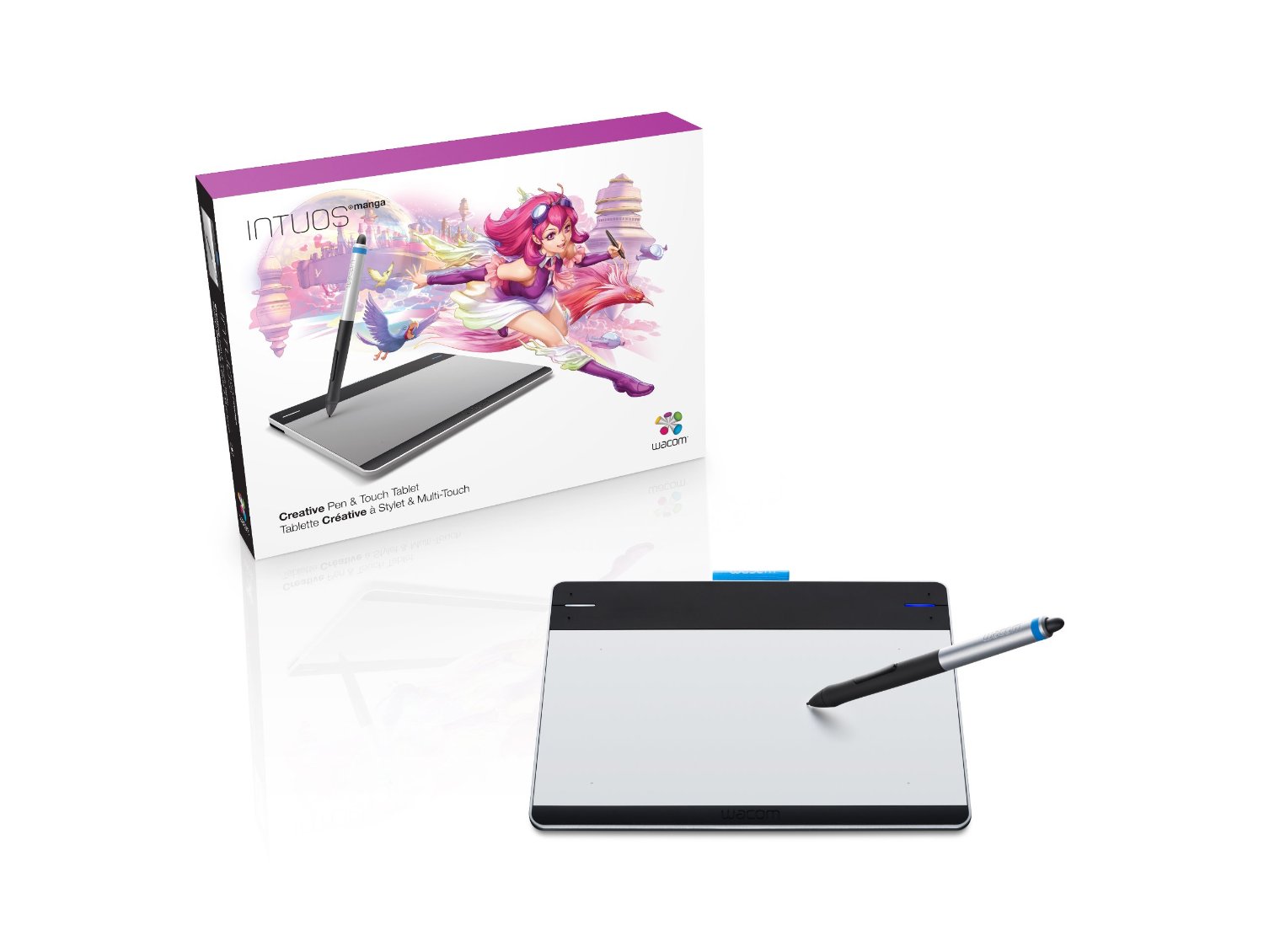
Technology is all well and good, but when you are carrying around a laptop, power supply, mouse and bag, things can get a little cumbersome.
Also, at your computer desk or table, you need to keep room there for a cup of coffee, the telephone, kids drawings or that newtons cradle you got for Christmas.
You need space to work, which is where a small graphics tablet comes in.
Designed to be smaller and more compact than their hefty cousins, a small graphics tablet will be lighter and more portable but will not let you miss out on any of the features that the larger and more expensive graphics tablets have these days.
Since the advent of USB, pen tablets have become much easier to take with you or use in smaller spaces. Gone are the serial cables and power bricks and say hello to sleek, sexy tablets designed to be used in many different ways.
Our Pick for the best small graphics tablet: Wacom Bamboo Mini
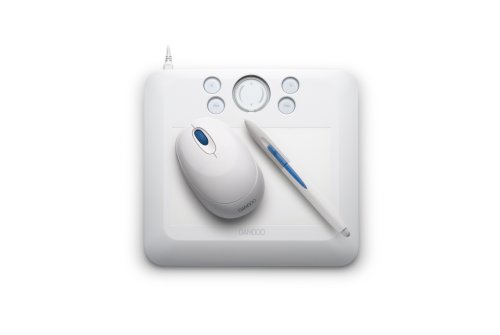
- Package contains - Bamboo Fun pen tablet and pen,...
- Installation CD with tablet driver and electronic...
- Software DVD that includes Adobe Photoshop...
- Great for digital drawing and painting, touching...
The king of the mini tablets has to be the Wacom Bamboo Fun. This device, measuring at 19 x 21 cm, covers various ideals.
It is designed to be small enough to be portable and used at home by all the family, but also good enough that it can be used by professionals too. Wacom have not missed out any components from this demure tablet, the same wireless pens and quick access keys are present and as with the other products from this manufacturer, they work brilliantly.
For home use, this will be perfect for Children or great for adults who might want to edit digital photographs or do some digital scrapbooking.
For the office, it can be used to sign documents on screen, make presentations, draw product designs, anything you can think of. Because it is so small, you can just pop it into your bag and take it with you where ever you go.
You can read our full Wacom Bamboo Fun review here.
If you want to increase the amount you are prepared to spend, the Wacom Intuos4 also comes in a small version of this best selling, industry leading tablet.
The Intuos4 adds greater levels of pressure sensitivity and style along with OLED quick access keys that change depending on the application or program you are using. These tablets are great to use and have recently become wireless too, so no more cables draping all over the place.
Others to consider: Vistablet Mini
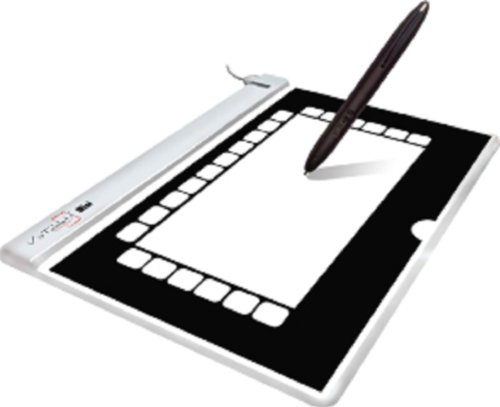
- Smallest, Thinnest and Most Portable Tablet...
- Most Affordable Tablet On The market
- 1024 levels of sensitivity to the pen-pressure
- Mac and Windows Compatible
If you want to look at other manufacturers, the Vistablet Mini is also one of the best selling small graphics tablets. The active area (where you draw) is 3 x 5 inches, making it easy to use in places where space might be an issue. Vistablet claim that this is the “most affordable tablet on the market” and also one of the thinnest.
They have managed to pack a great deal into this product, making it PC and MAC compatible and fully usable with software such as Adobe Photoshop or Corel Painter. It measures 1024 levels of sensitivity from the wireless pen and also lets you flip the pen over to rub out.
How cool is that?
Whilst Wacom may be king of the hill when it comes to producing a small graphics tablet for consumers, it pays to check out the competition too.
Some people say that tablets from other manufacturers do not work as well as Wacom ones, and I have to admit that I would opt for a Wacom if I was in the market for such a device. If it is going to be used by children, you may need to weigh up cost versus risk of damage.
This is probably the same if you are going to be taking the tablet around with you in a laptop bag.