Small Graphics Tablet Recommendations

February 26, 2010 by admin  
Filed under Guides

Comments Off

Technology is all well and good, but when you are carrying around a laptop, power supply, mouse and bag, things can get a little cumbersome. Also, at your computer desk or table, you need to keep room there for a cup of coffee, the telephone, kids drawings or that newtons cradle you got for christmas. You need space to work, which is where a small graphics tablet comes in.

Designed to be smaller and more compact than their hefty cousins, a small graphics tablet will be lighter and more portable but will not let you miss out on any of the features that the larger and more expensive graphics tablets have these days. Since the advent of USB, pen tablets have become much easier to take with you or use in smaller spaces. Gone are the serial cables and power bricks and say hello to sleek, sexy tablets designed to be used in many different ways.

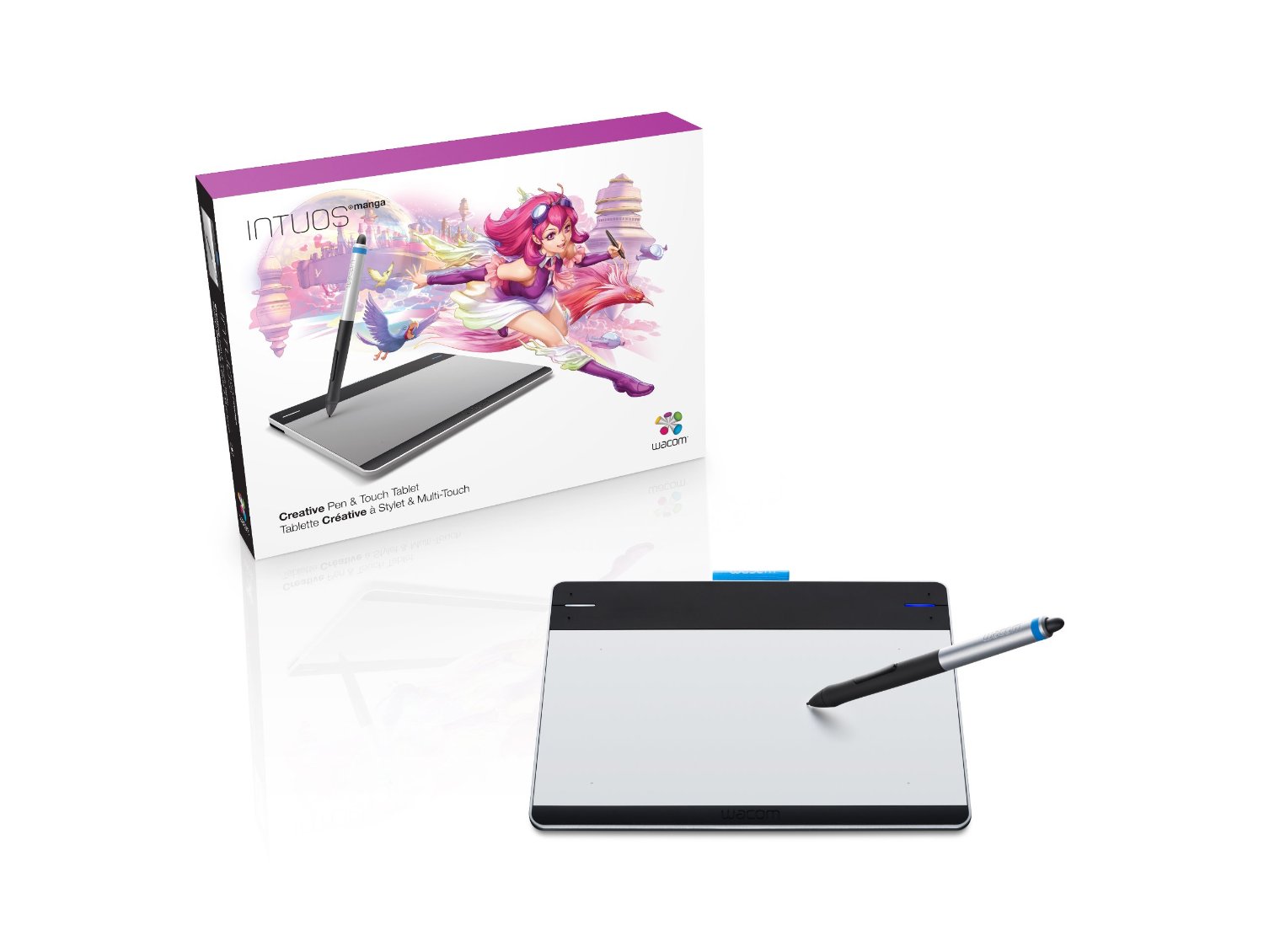
The king of the mini tablets has to be the Wacom Bamboo Fun. This device, measuring at 19 x 21 cm, covers various ideals. It is designed to be small enough to be portable and used at home by all the family, but also good enough that it can be used by professionals too. Wacom have not missed out any components from this demure tablet, the same wireless pens and quick access keys are present and as with the other products from this manufacturer, they work brilliantly. For home use, this will be perfect for Children or great for adults who might want to edit digital photographs or do some digital scrapbooking. For the office, it can be used to sign documents on screen, make presentations, draw product designs, anything you can think of. Because it is so small, you can just pop it into your bag and take it with you where ever you go. You can read our full Wacom Bamboo Fun review here.

If you want to increase the amount you are prepared to spend, the Wacom Intuos4 also comes in a small version of this best selling, industry leading tablet. The Intuos4 adds greater levels of pressure sensitivity and style along with OLED quick access keys that change depending on the application or program you are using. These tablets are great to use and have recently become wireless too, so no more cables draping all over the place.

VisTablet Mini Tablet
Overall Rating:
 
Retail Price: $79.00
Amazon Price: $58.00
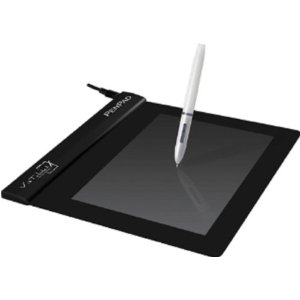
If you want to look at other manufacturers, the Vistablet Mini is also one of the best selling small graphics tablets. The active area (where you draw) is 3 x 5 inches, making it easy to use in places where space might be an issue. Vistablet claim that this is the "most affordable tablet on the market" and also one of the thinnest.

They have managed to pack a great deal into this product, making it PC and MAC compatible and fully usable with software such as Adobe Photoshop or Corel Painter. It measures 1024 levels of sensitivity from the wireless pen and also lets you flip the pen over to rub out. How cool is that?

Whilst Wacom may be king of the hill when it comes to producing a small graphics tablet for consumers, it pays to check out the competition too. Some people say that tablets from other manufacturers do not work as well as Wacom ones, and I have to admit that I would opt for a Wacom if I was in the market for such a device. If it is going to be used by children, you may need to weigh up cost versus risk of damage. This is probably the same if you are going to be taking the tablet around with you in a laptop bag.

Adesso Cyberpad A4 Graphics Tablet Review

November 10, 2009 by admin  
Filed under Adesso, Reviews

If you are looking for a graphics tablet that allows you to take it with you when you're away from your desk - and not be tied to your laptop or your computer all the time, you might want to consider the Adesso Cyberpad A4.

This unique device operates in the same way as a normal graphics tablet but looks like a school clipboard. It uses a standard piece of paper as the main interface and it has an internal memory that allows it to record everything that it written onto it’s surface. All that you need do is to put a piece of paper into place, press a button to start recording and write using the supplied Adesso pen. Any information you enter onto the page, draw or write is actually captured by the device and stored in it’s memory. Exactly if you were working with a graphics tablet on your computer.

The Adesso Cyberpad A4 is an excellent device if you are away from the office or your desk and then want to capture some written information. It could be used by graphic designers who want to sketch, or editors who need to review papers and documents and would be perfect for students who are capturing hand written notes during a class or lecture.

Who Is The Adesso Cyberpad A4 aimed at?
For home users, it is also great for filling in forms in an instant with the use of the provided software and a word processor such as Microsoft Word. You can use it to enter the information straight to your computer screen. The A4 sized pad is very versatile and can be used in lots of different ways and as I have said, works with standard piece of A4 or LETTER sized paper. There is no need for any specialist paper and the tablet is supplied with batteries so you are ready to go straight away. The pen uses special tips to allow the information to be captured and spares are supplied in a handy hidden compartment.

You can also plug the Cyberpad A4 into your computer and use it as a standard USB connected graphics tablet. It operates exactly the same as a normal graphics tablet and although the power of this particular device really comes into its own when you're away from your computer, it can be used to edit photos and draw in applications such as Adobe Photoshop. The Adesso Cyberpad A4 also allows you to convert any handwritten text or words into digital text using the supplied OCR software called MyScript, which recognises up to 13 different languages and works really well with device. Imagine being able to convert the notes you took in a meeting straight into a word document!

Hardware
The device itself is very robust and has 32 MB of internal memory and which is enough for about 99 pages, stored within alphabetical directories. If you want to increase this, there is an SD slot which allows you to put in a memory card to store more pages. You can get covers and binders for the Cyberpad which make it's use away from the home or office even better.

The Cyberpad has 5 programmable buttons on the left hand side of the unit. These allow you to navigate between pages or erase the contents of one at a single push. The small LCD display lets you see which page you are on and verify actions such as page deletion. The display is small, but perfect for it's design.

Conclusion
The Adesso Cyberpad A4 is a portable powerhouse that allows you to capture your ideas and images on the move. It is perfect for anyone who might need to write or draw information on a regular basis. If you were considering getting a tablet PC for this function, get one of these instead!

When testing the device we sometimes got confused on which page we were on and started drawing on a new page, only to find that we were actually drawing over an existing one. Practice makes perfect though and we are sure that we would be able to perfect the use of the product had we got more time to spend with it.

No items matching your keywords were found.